

Get SmartPin
for Android
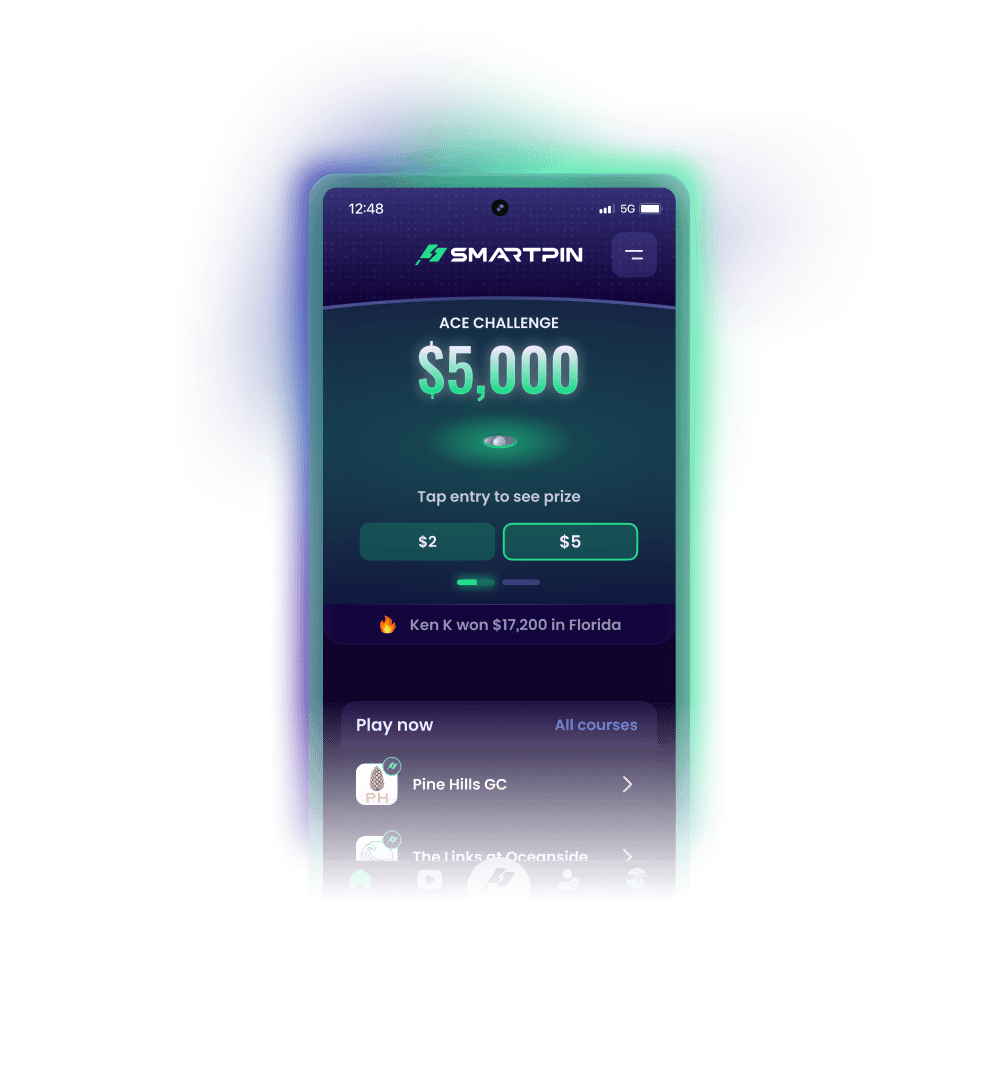
Download the app to compete for real prize money and get Tour-quality highlight videos of every shot with your Android device.


Why SmartPin is not available on Google Play
SmartPin is a skill-based golf app with real prize money.
Apps like SmartPin are available in Apple’s App Store, but are not currently available on Google Play because of their real-money contest policies. Android players can securely install SmartPin directly from our official website.
Trusted by thousands of golfers
Ken K won $17,200 in Florida
Mark G won $500 in Georgia
Jacob K won $250 in Indiana
Barry R won $2,100 in Texas


How to install the SmartPin Android app
The process takes about a minute. Screens may vary by device, but the steps are the same.
Download the app
- From this webpage on your Android device, tap the Download now button.
- If prompted, tap Download anyway to save the SmartPin Android installer.

Open the file
- When the download completes, tap Open.
- No prompt to open the file? Open your Downloads folder, search for SmartPinGolf.apk and tap to open it.

Allow install
- On the permission prompt, tap Settings.
- On the Install Unknown Apps screen, toggle on Allow from this source. You can turn this off after the app is installed.

Confirm and install
- Tap Install on the confirmation screen.
- With the install complete, open the SmartPin Golf app from your home screen.
- It's your turn to win big!


Need help?
Contact us and we’ll help you get set up.

Ready to play?
Download the app and start playing from your Android device. Par 3s will never feel the same.
Download now